The Portfolio
You are currently inside this project. :)
This website is the third iteration of my personal portfolio.
Back in the day, I built one using Google Sites, but didn't like the customization; it was too restrictive. Later on, I tried again with vanilla HTML and CSS, but that was a nightmare.
I wanted to give it another go and build an awesome website where I can showcase all my projects and share what's on my mind.
Let's do this!
🛠️ The Full Arsenal
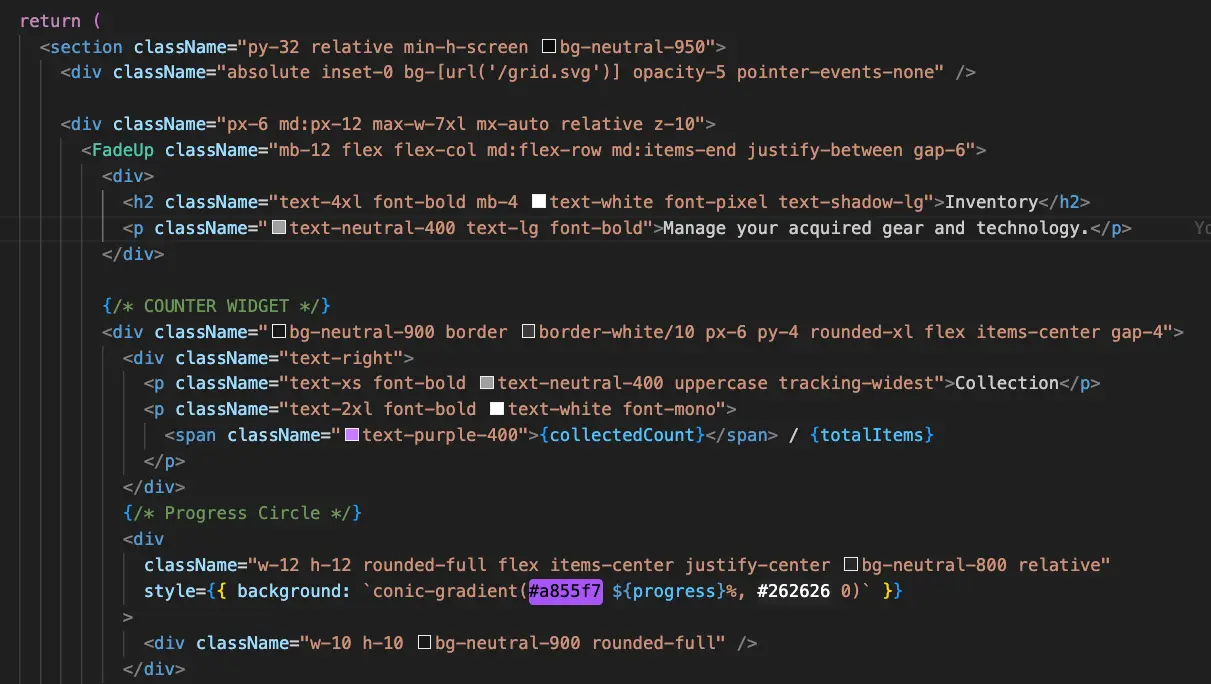
This website isn't just a static HTML page. It's a dynamic application built on the modern React stack.
It combines a retro aesthetic with modern web design.
Here's the final stack:
- Framework:
Next.js 15(App Router + Turbopack) - Language:
TypeScript - Styling:
Tailwind CSS+Framer Motionfor the animations. - Content Pipeline:
MDX(Markdown + JSX) for projects and articles. - Optimization: Manual image compression with
Squoosh+ Next.jsImage - Code Highlighting:
rehype-pretty-code - Icons:
Lucide React&React Icons.
🎞️ The Evolution
I recorded the development process but it an ongoing project, whenever I still upload new projects, write blog posts, and keep the design up-to-date.
Here is the full development process:
Hero Section
I always think it's cool when there's a full-screen video on the home page, so I wanted to build that on my site too.
Here's what it looks like at the start:
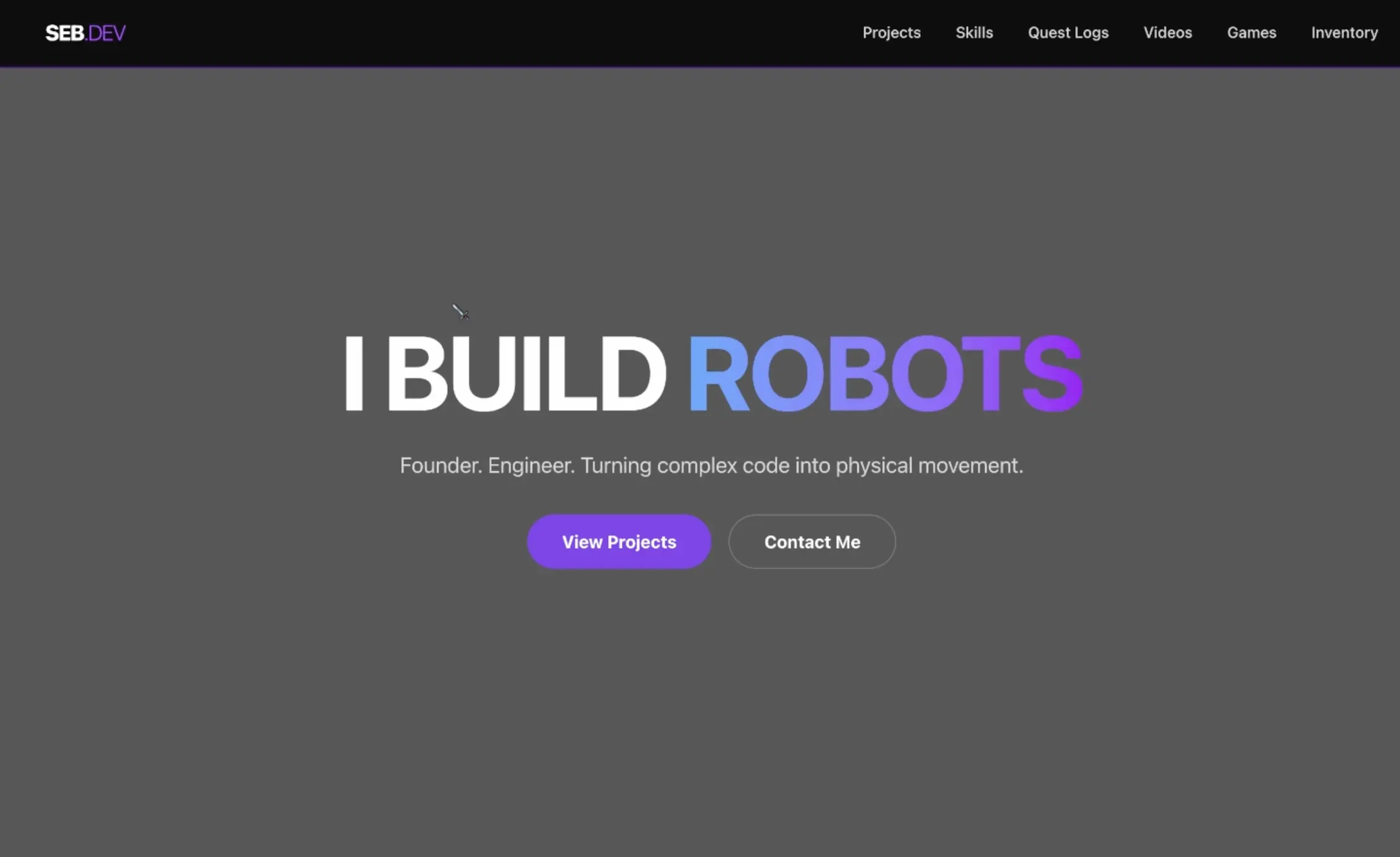
I also made a simple navbar. I already had a clear idea of the general sections I wanted on my site like projects, skills, blog posts, videos, games, etc.
Project Grid
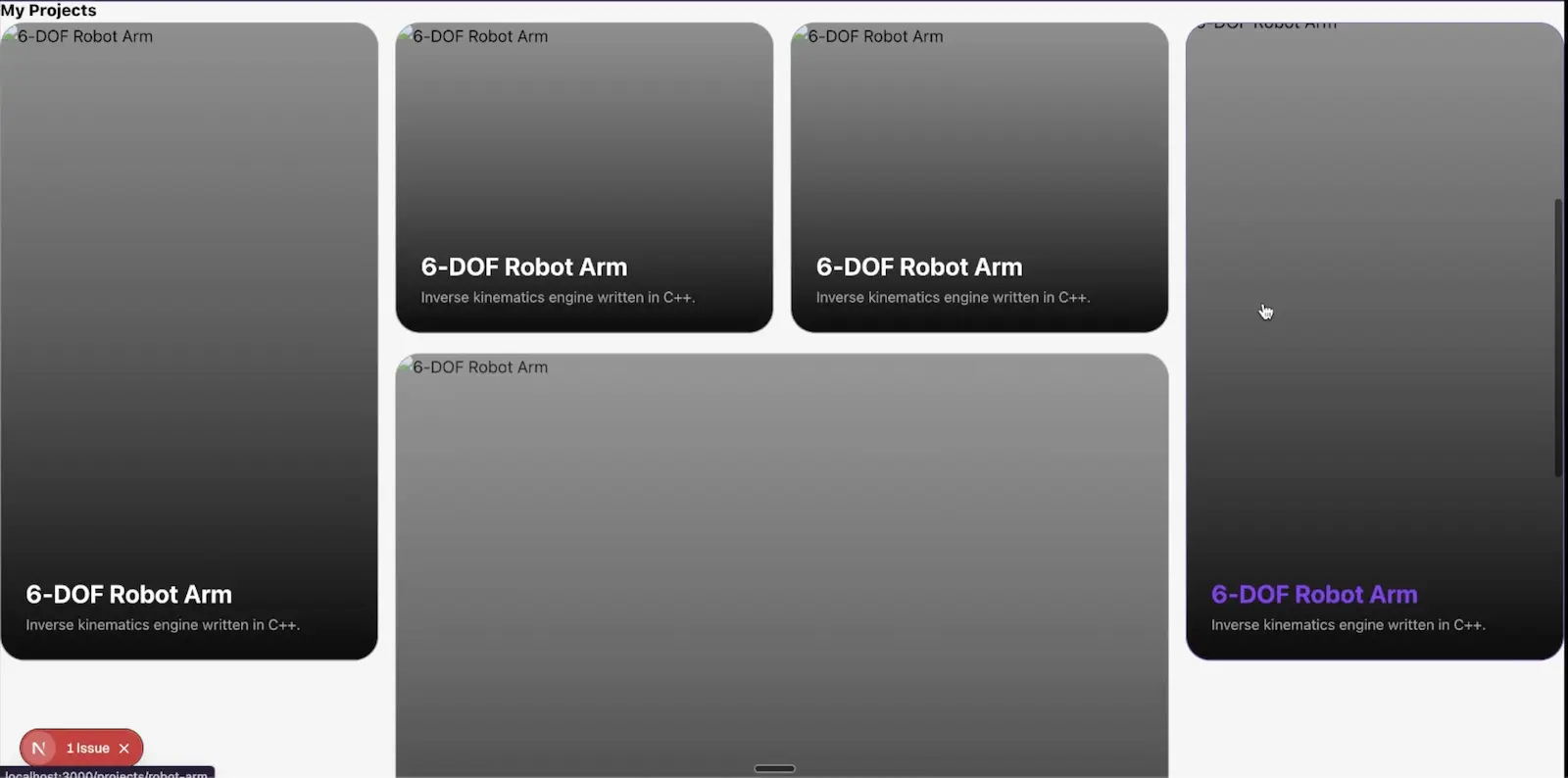
I wanted a 'Bento' style grid that could handle different aspect ratios (2x2, 2x1, 1x1).
It's more interesting than a basic carousel or a standard grid. It also allows me to make my best projects larger than my 'mid' projects.
Here's what it looked like at first:
Content Pipeline
As I was adding projects to the grid, I realized that doing this manually was going to be super annoying. 💀 I needed a content management system that lets me easily create/modify the different projects.
So, built a custom pipeline that reads local .mdx files and then turns that to at TSX file.
This allows me to write projects in markdown format and still have cool features on the frontend like images, video, code, headings, or bold words on the page.
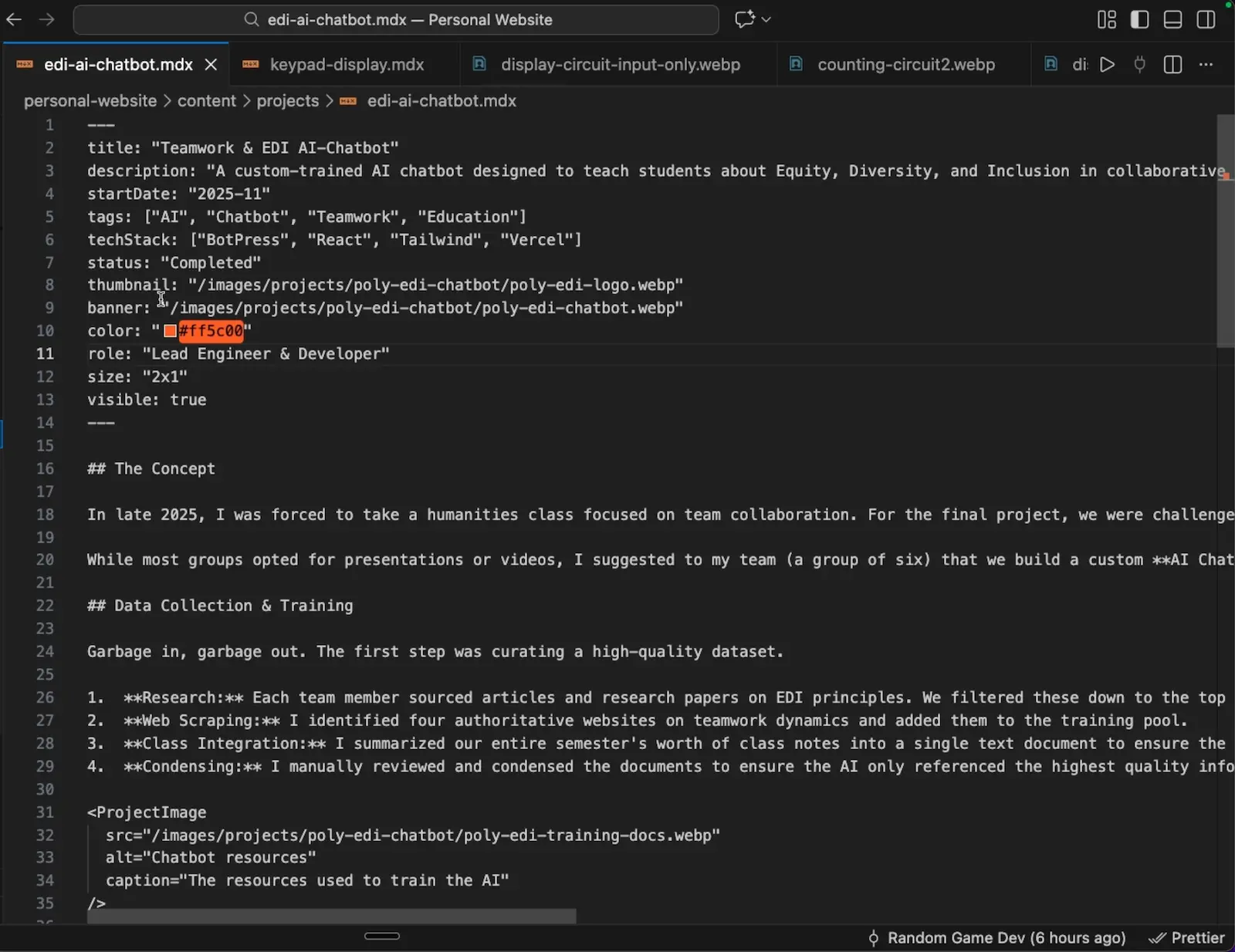
And this is what it looks like on the frontend: EDI AI Chatbot
Video Games & Videos
I've spent a lot of time building video games and documenting the process through YouTube videos. In fact, I made six video games in total and roughly 10 videos documenting the process.
I wanted to add these on my website, so I made simple carousels for the videogames and videos. To get the videos, I had to use the YouTube API but it wasn't too hard.
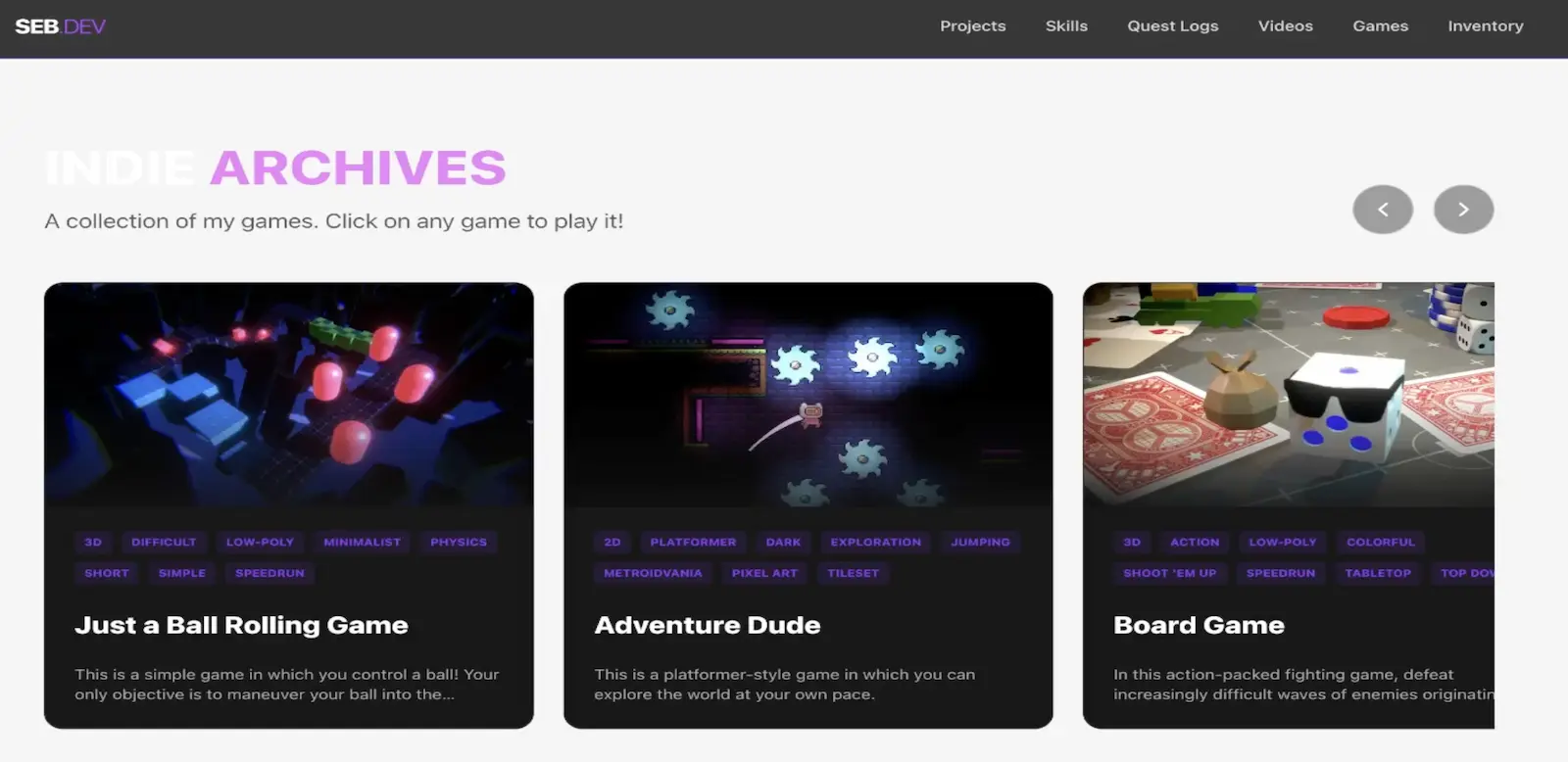
Skill Tree
We should also have a section dedicated to skills.
I think of life as a video game. The goal: always to accumulate more skills to raise my value and be more useful to society.
Building this section was also a good way for me to reflect on myself and my competencies as a human. I need to level up. Fast.
The "Skills" section went through multiple versions.
In V1, I tried to split my skills into three categories but some of the didn't really "fit".
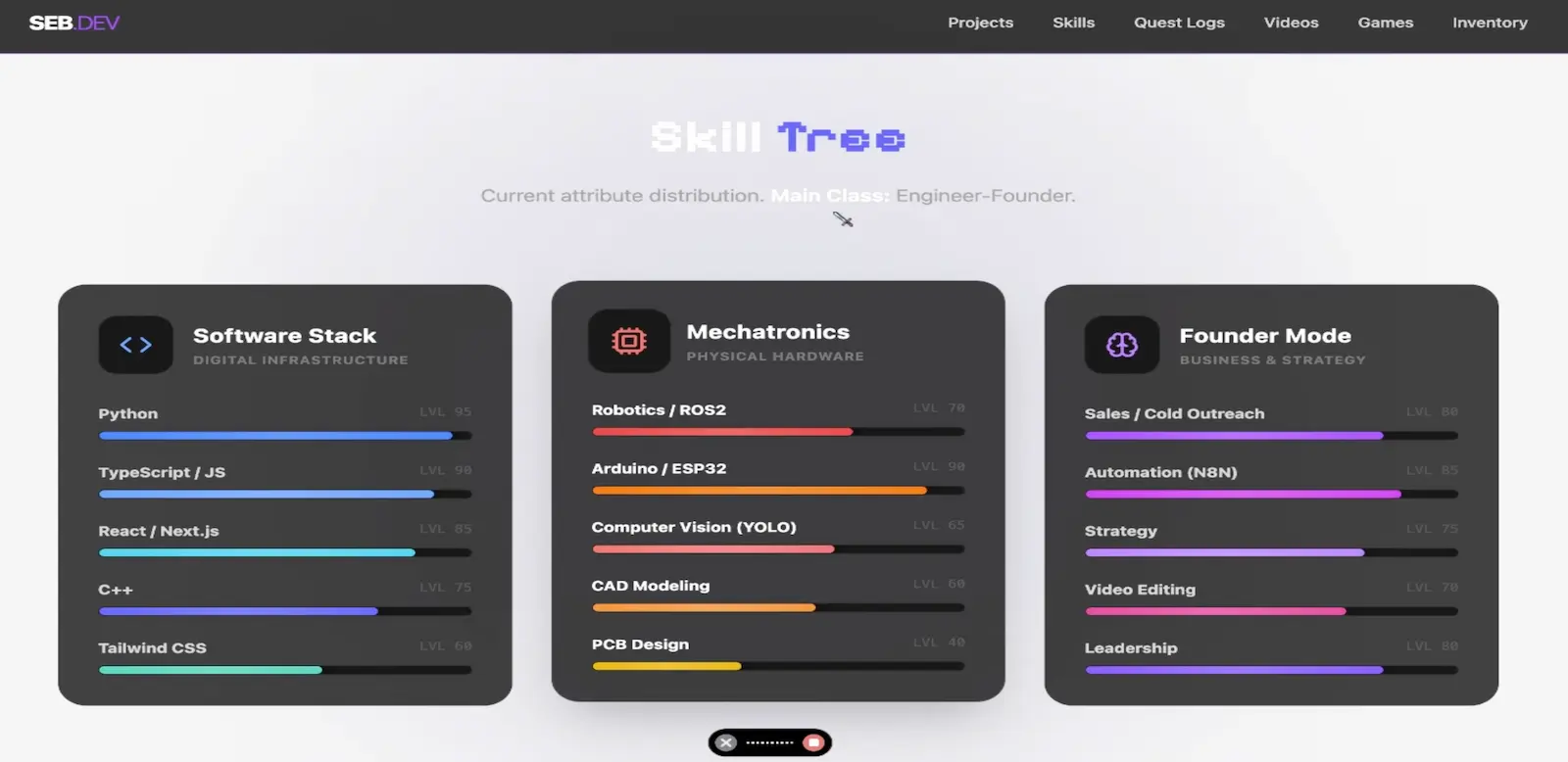
So I ended up going with six different categories, each with a drop-down menu containing the individual skills.
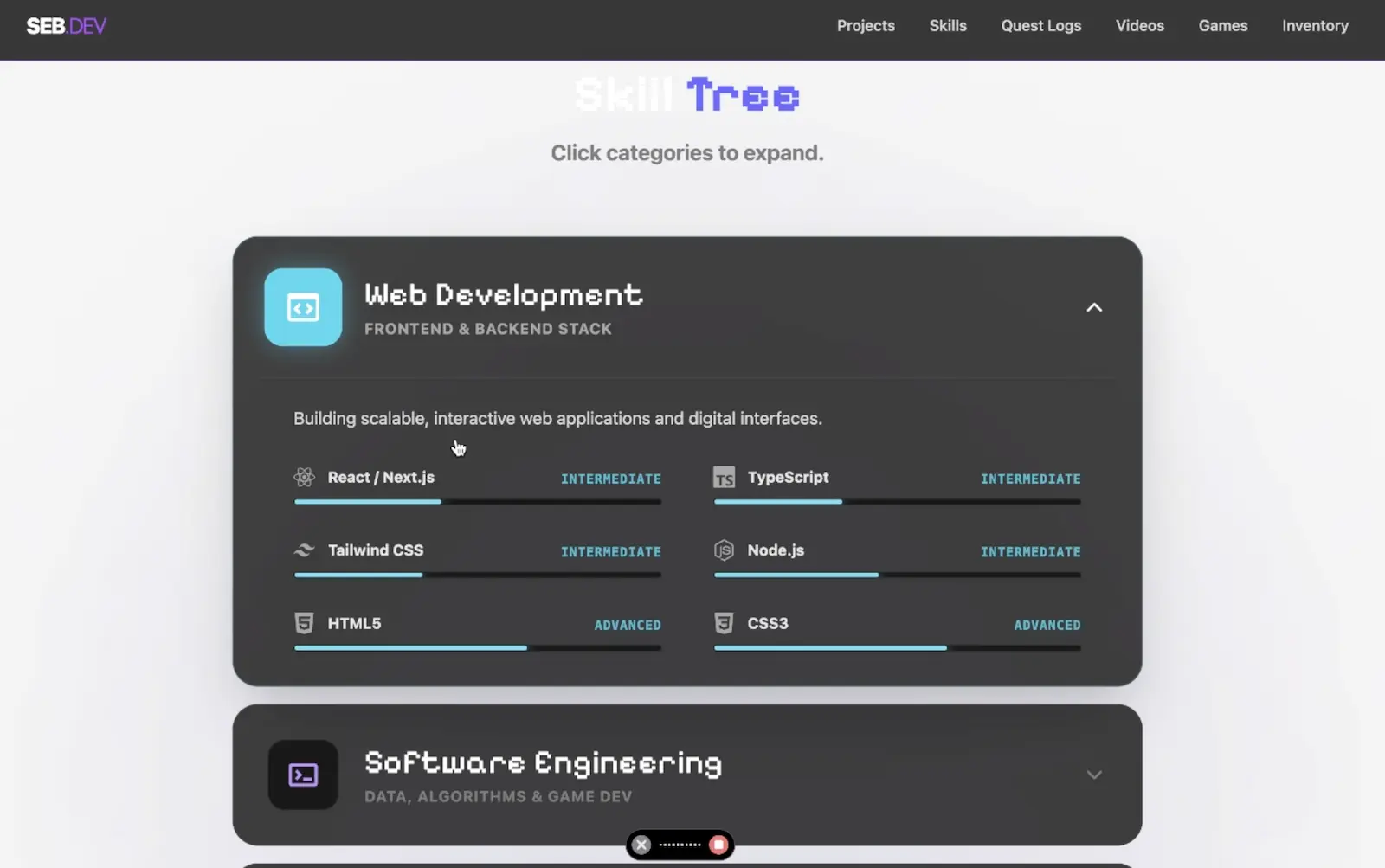
Game Mechanics - Inventory
As you explore the site, you can acquire items to fill up your inventory. I can't think of any other website that lets you do that. I think it's a fun, unique feature.
This also gives me the possibility to hide a bunch of easter eggs across the site. I'll make some kind of hidden reward if you can find all the items... though I won't say what it is here. 🤡
To help you on your quest, here's a cheap item for you:
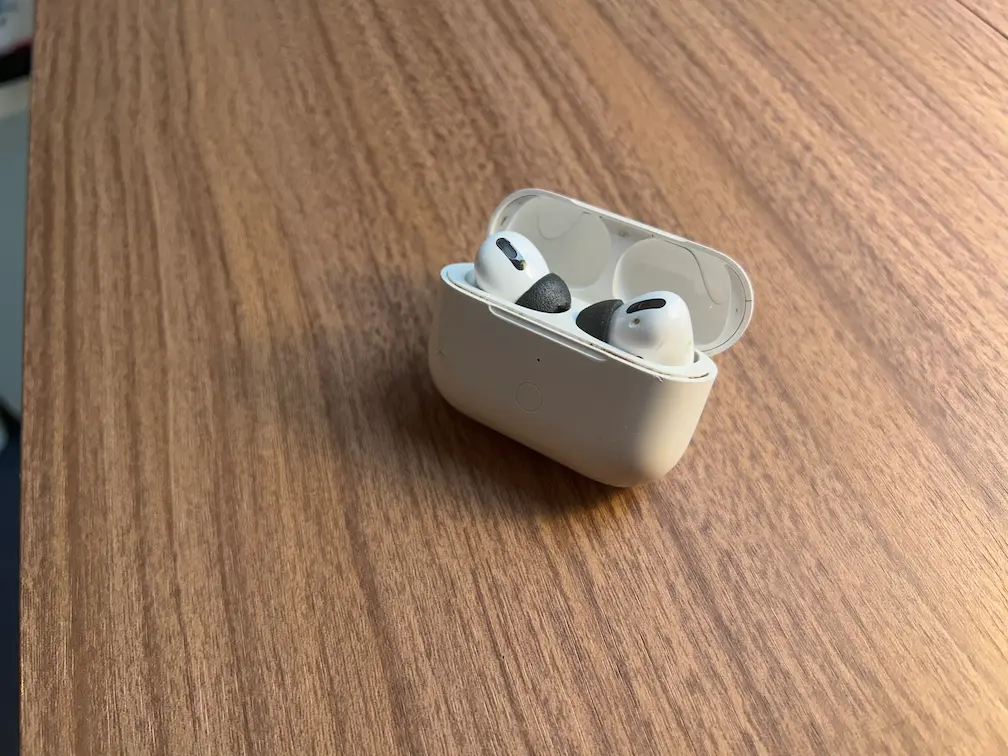
Knock-off AirPods
Looks like the real thing from 5 feet away. Case magnetism is questionable.
This is the first version of the inventory, it's a section on the home page:
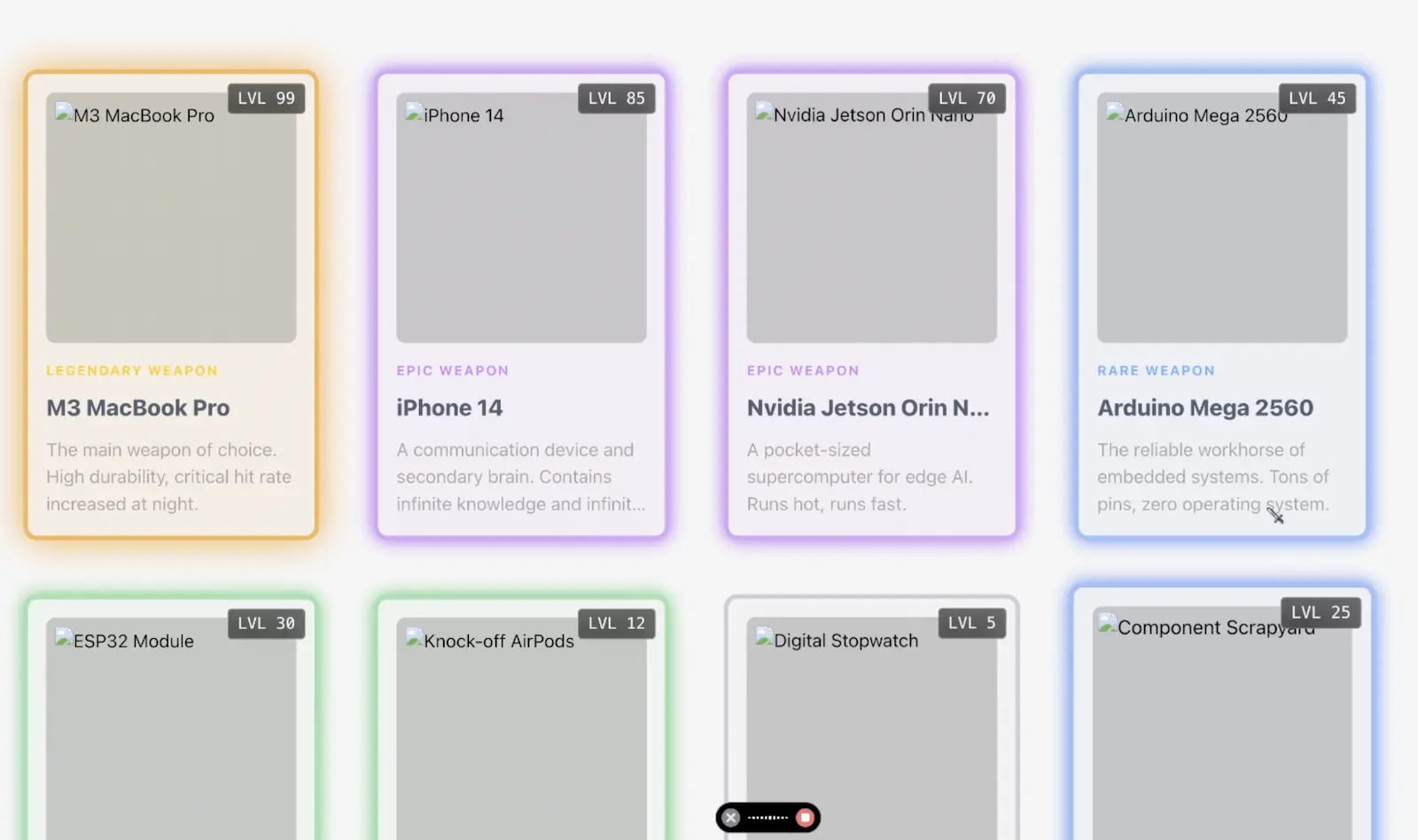
As I added more items, I realized that the inventory section might become very long and too big to put on the home page. So, I moved it to a separate page, added dark mode, and built a system that hides items until you obtain them.
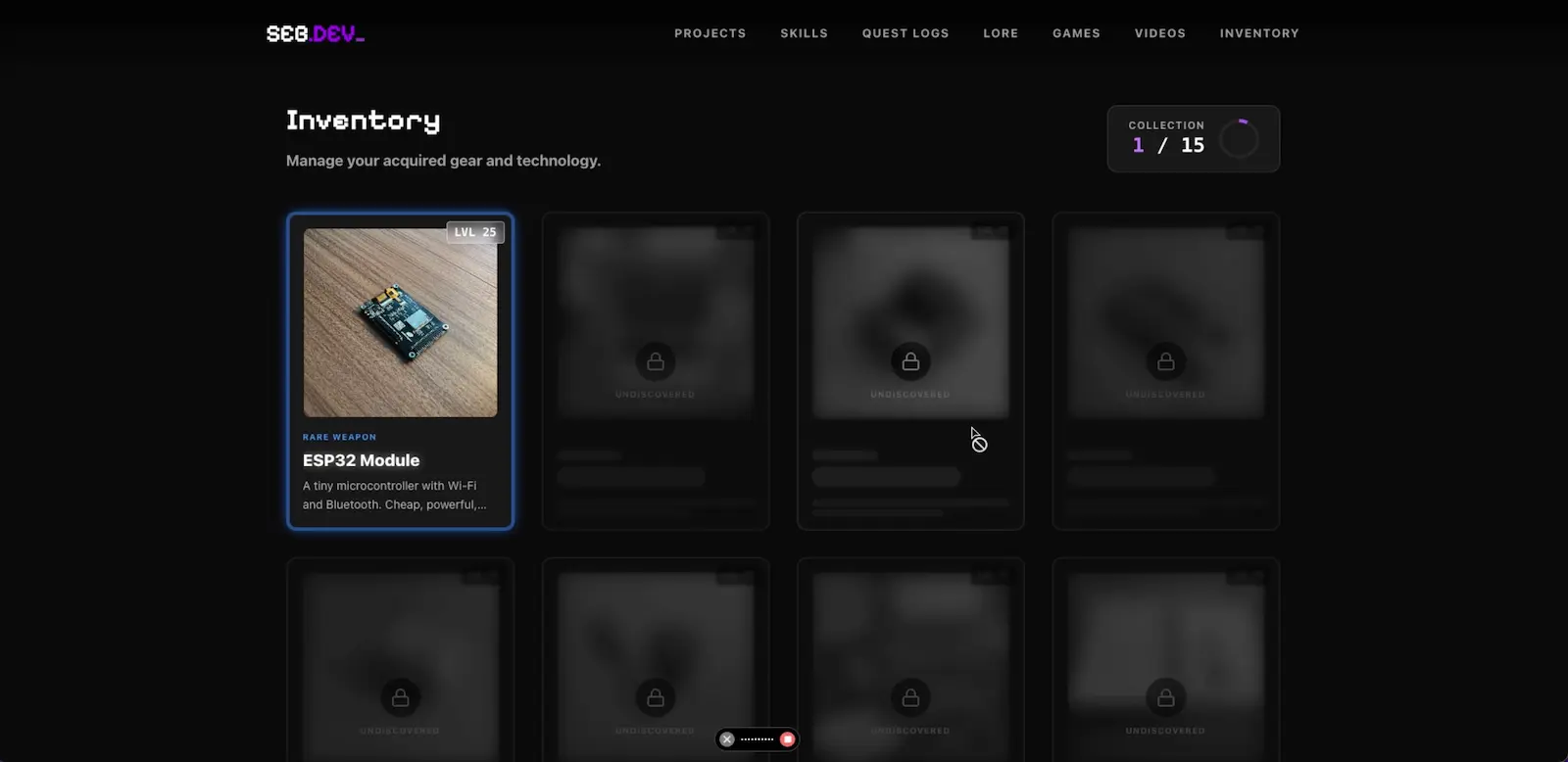
To manage the inventory and chests across different pages, I needed a global brain. I stuck to React's built-in Context API to build it.
The system relies on a GameState object that tracks everything:
- Inventory: An array of collected items.
- Flags: Booleans for specific events
- Chests: An array of opened chests
Work History & Education
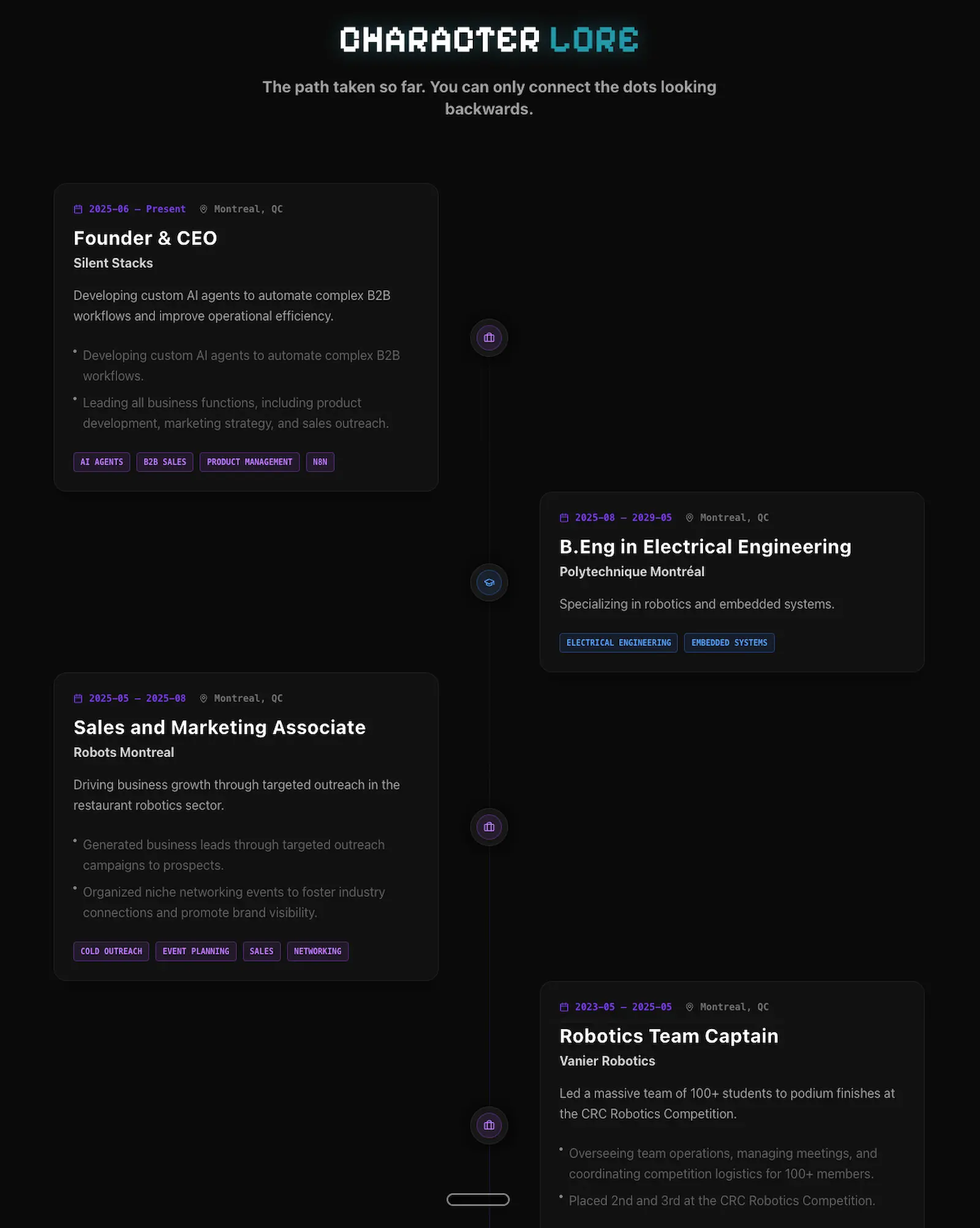
I also wanted a section to track my story. So in the character lore section, you can see my education and work history. It's simple and effective. As you scroll down, you can see my story from newest to oldest.
The Video
Since I wanted a video on the home page, I had to edit one. I tried to show a wide variety of different projects that I've made throughout the years.
As I work on new projects, I might need to update the video, but for now it's not bad. I use Davinci Resolve to edit all my videos because Davinci Resolve is the best. 💪
Launching The Site
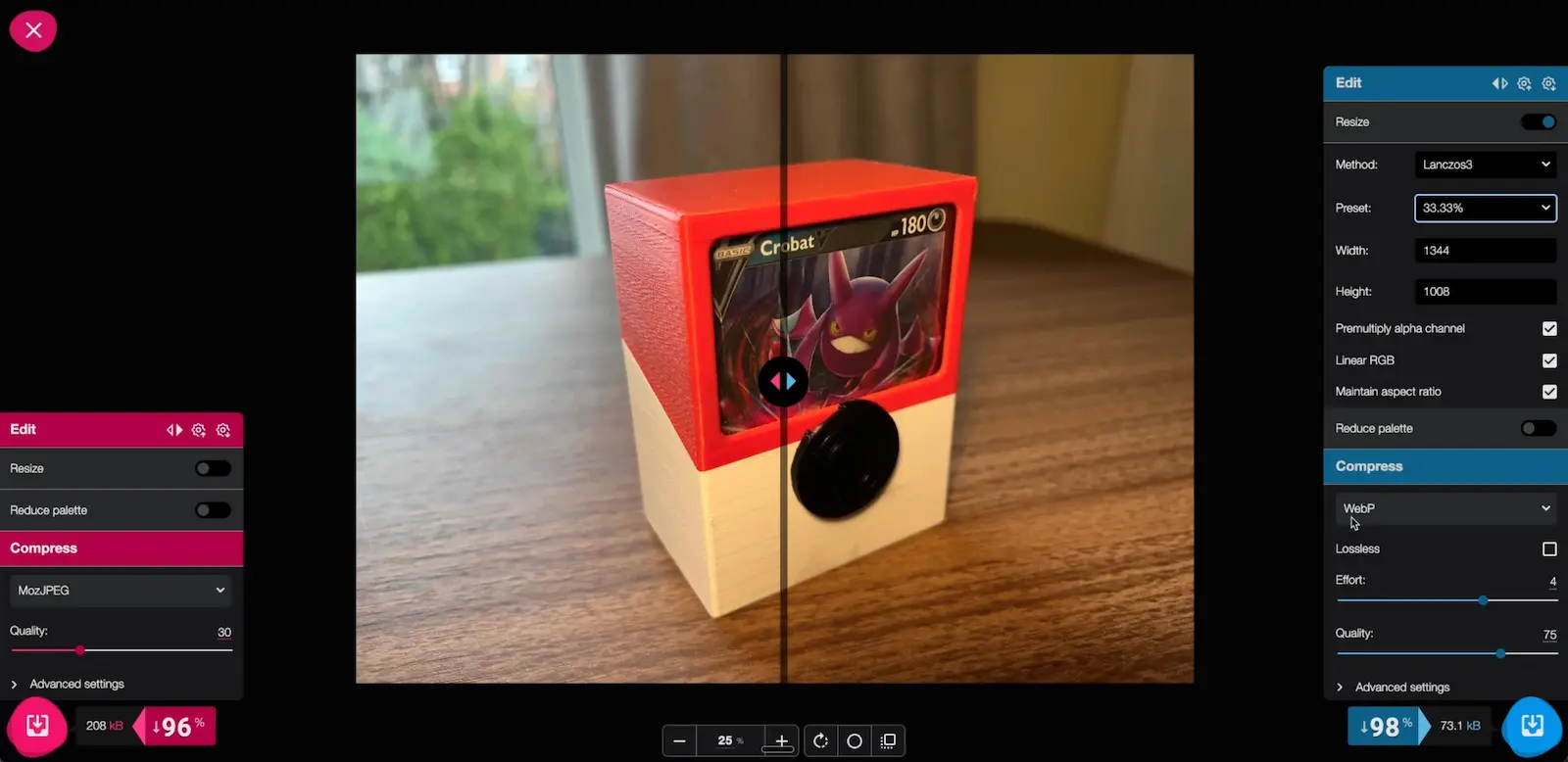
It wasn't all smooth sailing. I had to manually optimize every image using Squoosh.
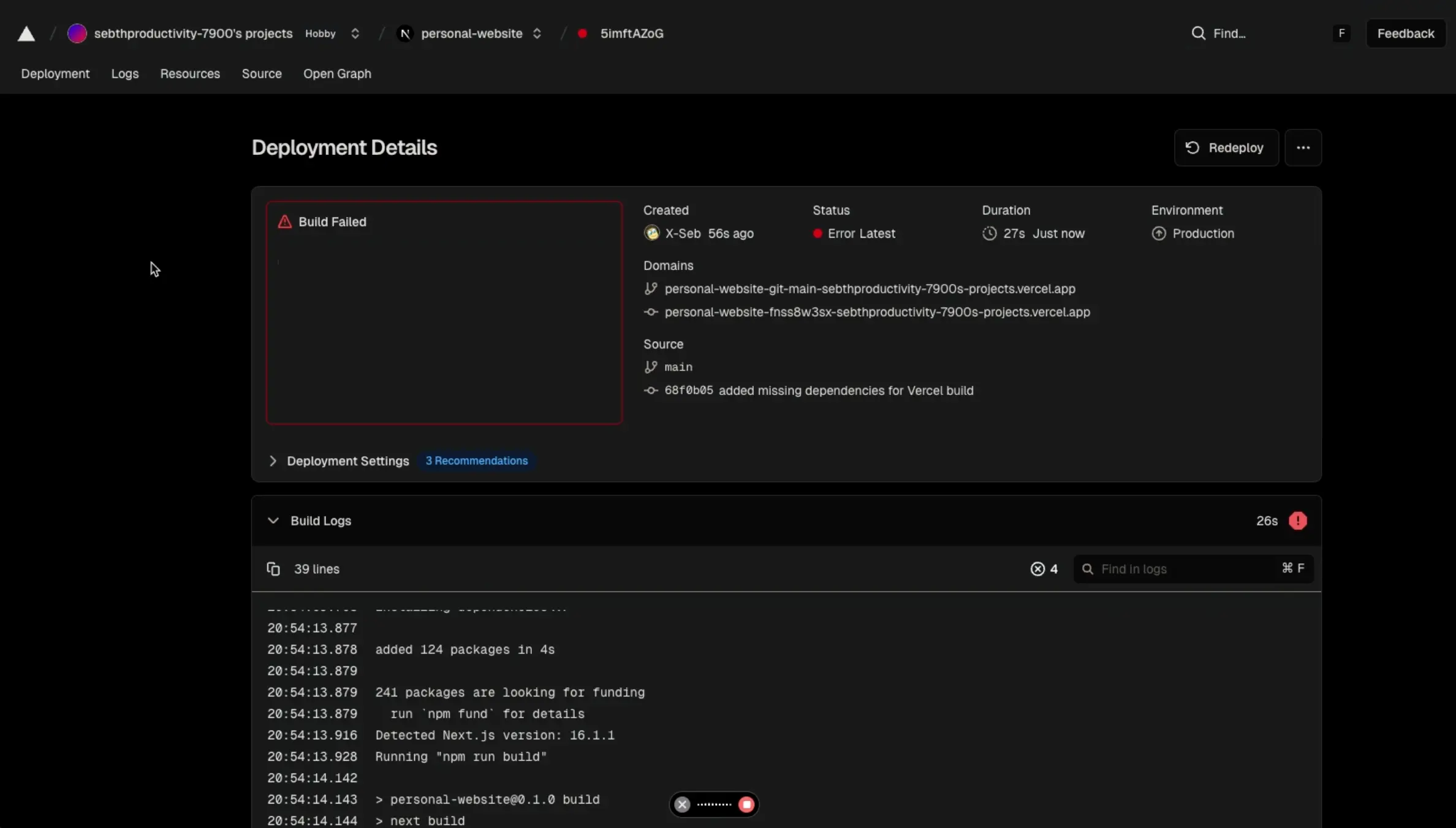
And the Vercel builds failed a few times...
🚀 The End Result
A fully responsive, type-safe, and interactive portfolio that represents who I am.
Future Updates
This is just the beginning.
- I'll keep adding new projects as I build new things.
- I'll also write more blog posts over time.
- I'll update my work history in character lore.
- I'll make sure my short bio is up-to-date, depending on what I'm doing at the moment.
- I will add new skills as I acquire new ones.
I have a nice skeleton for my site; let's fill it up with awesome adventures!