Push-Up Alarm Clock
The Problem
Every human needs a reason to get up. Without a goal, we are simply empty vessels floating through the void of life 😔. But sometimes, even with a goal, the bed is just too comfy...
I realized that waking up is the first battle of the day. If I can win that battle with discipline, I start the day on a win. Unfortunately, standard alarms are way too easy to snooze lol. One button and they instantly shut off.
I needed a system that forces me to lock in and move as soon as I wake up. Let's build the ultimate alarm clock...
The Concept
The rules are simple: The alarm screams at you with a piercing buzzer until you perform 10 full push-ups. (yes, I know 10 is not a lot but it was easier to prototype with 10 instead of 50)
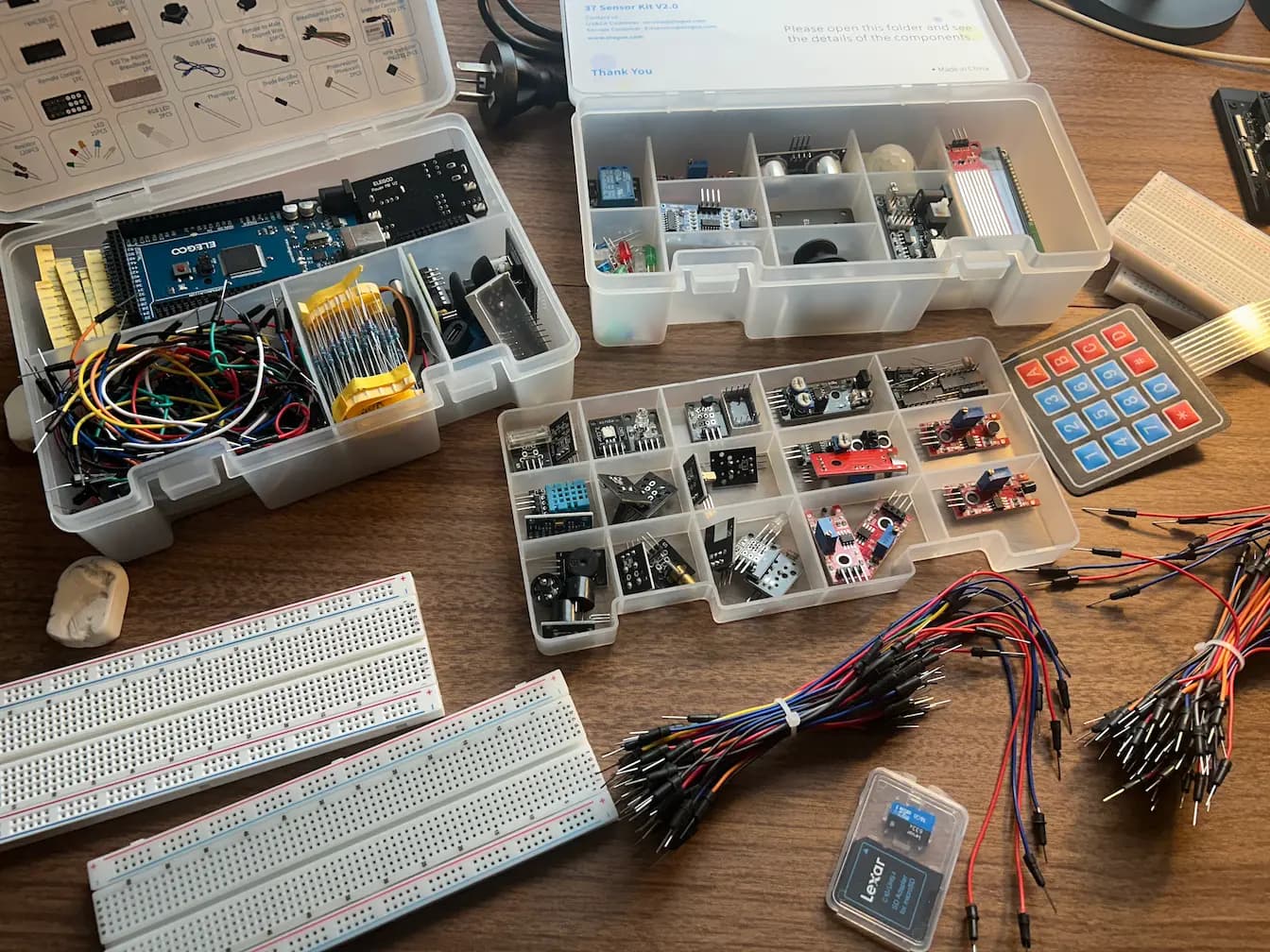
I grabbed an Arduino Uno starter kit and a sensor kit. Time to build. Let's go! This will be a fun challenge.
The Hardware Brain
The brain is an Arduino Uno. It's a simple microcontroller with 14 GPIO pins (General Purpose Input/Ouput) and 6 Analog Input Pings (can also be used as GPIO). Each pin allow us to receive information from a sensors or send a signal.
Alright, let's plug it into my computer and get started!
The Software: Leveling Up
For this project, I ditched the standard Arduino IDE. I wanted to level up, so I used VS Code with the PlatformIO extension. It feels more like a professional development environment. Soon enough we had a blinking LED! Nice.
Input
First, we need to receive numerical input from the user, since the user can choose what time the alarm will trigger. To do this, we'll use a 4x4 membrane keypad.
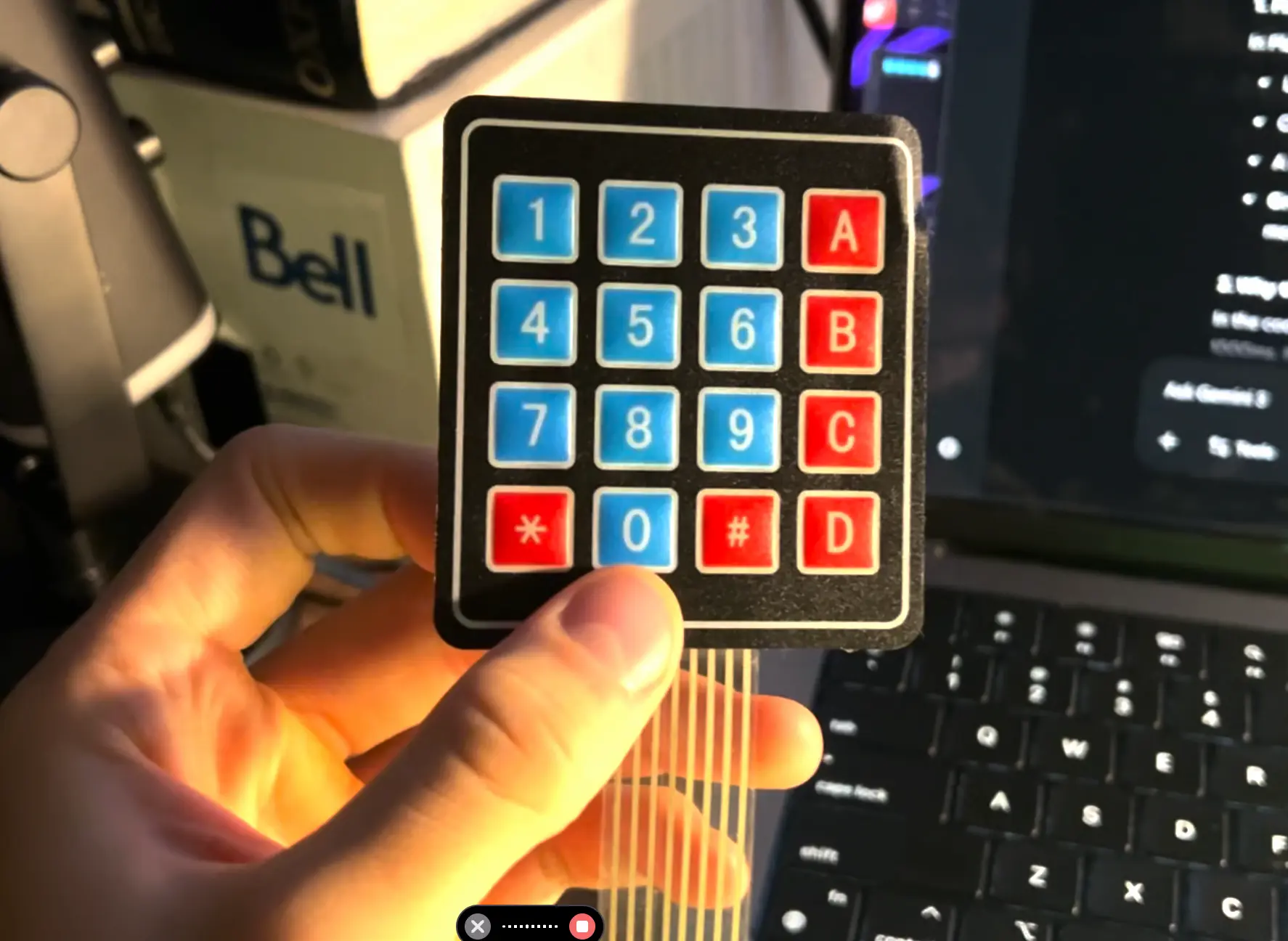
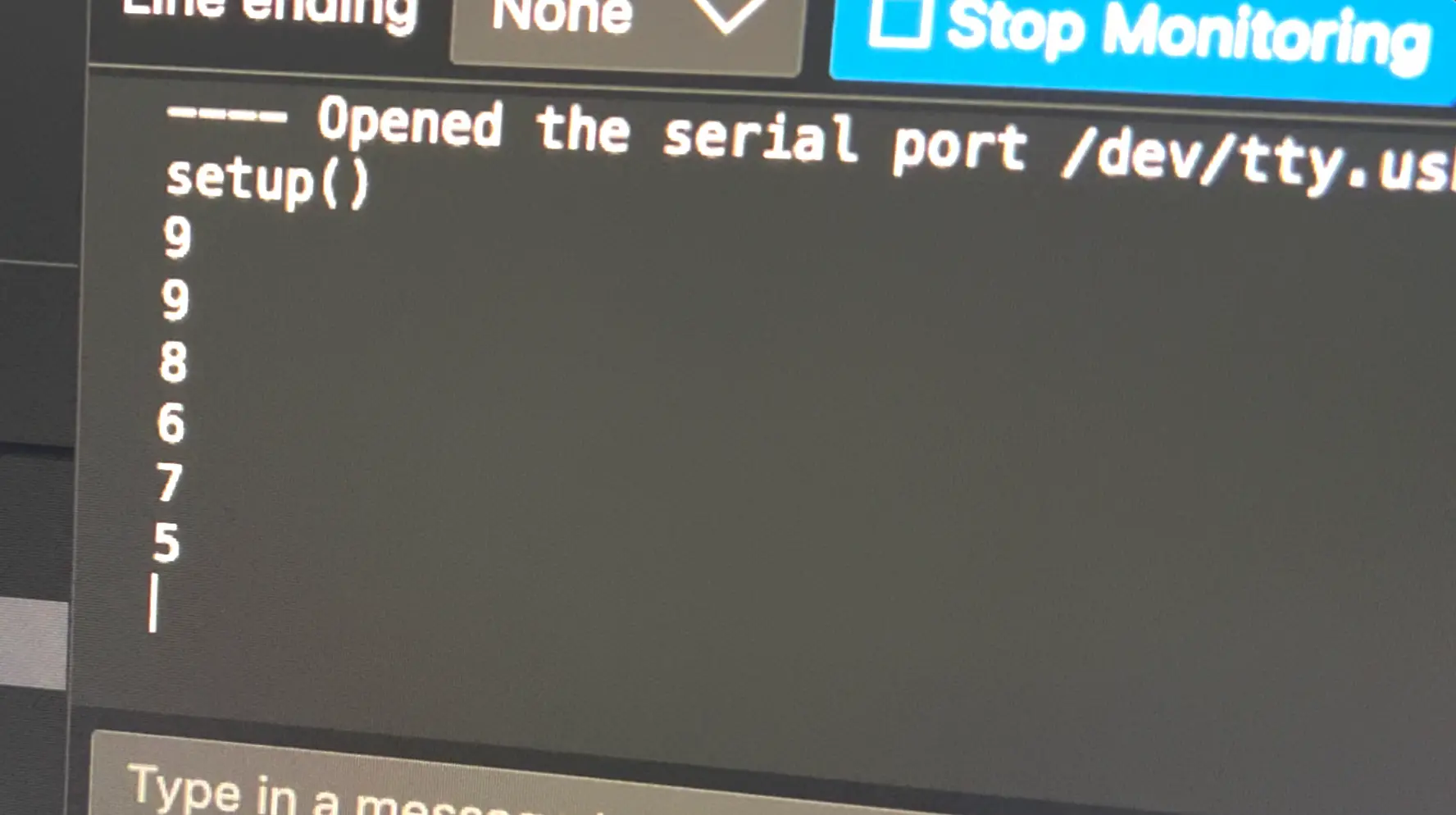
We're only going to use three columns in this project; we don't need the letters. After a bit of coding, the numbers were popping up in the terminal. Excellent! User input has been conquered!
Display
Of course, we need a display so the user knows which numbers they're pressing. For this I'll use a four-digit display.
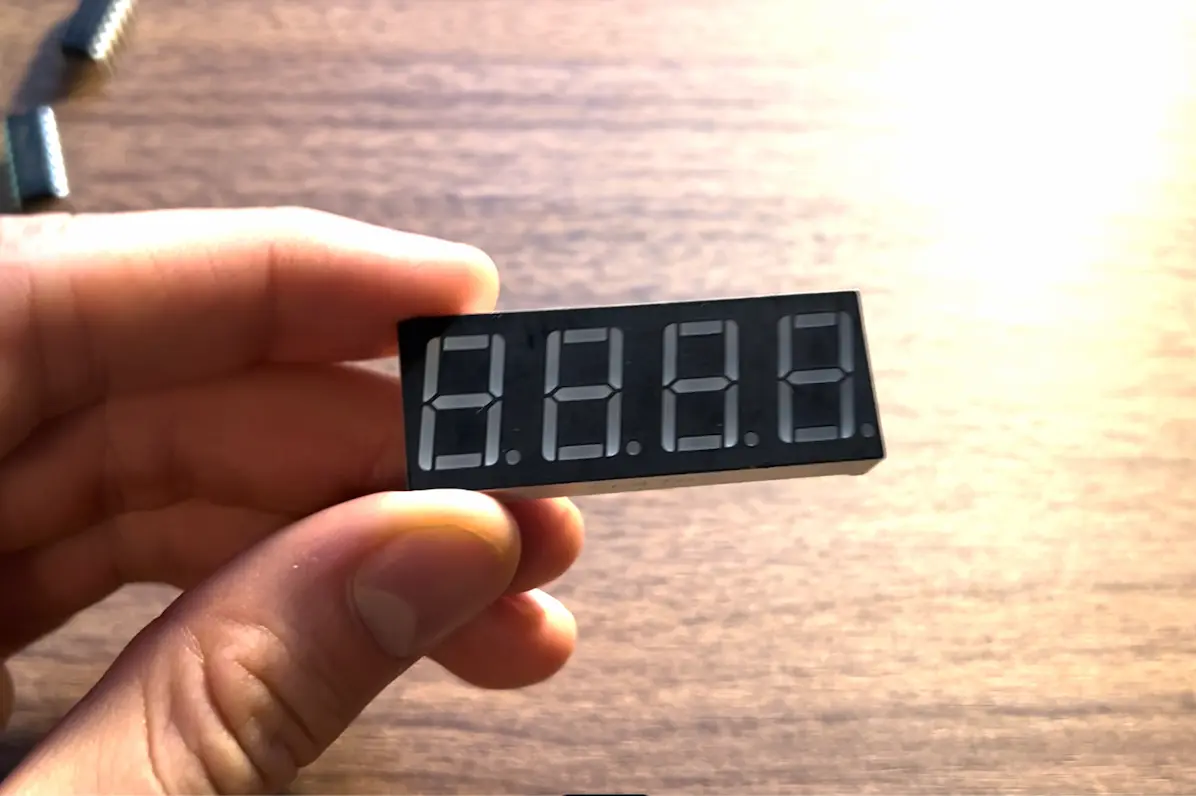
The 4-digit display requires 12 pins to operate. The keypad already takes 7. And I knew I still needed room for the buzzer and ultrasonic sensor. We were out of pins before we even plugged in the sensor... 😬
The Shift Register (The MVP)
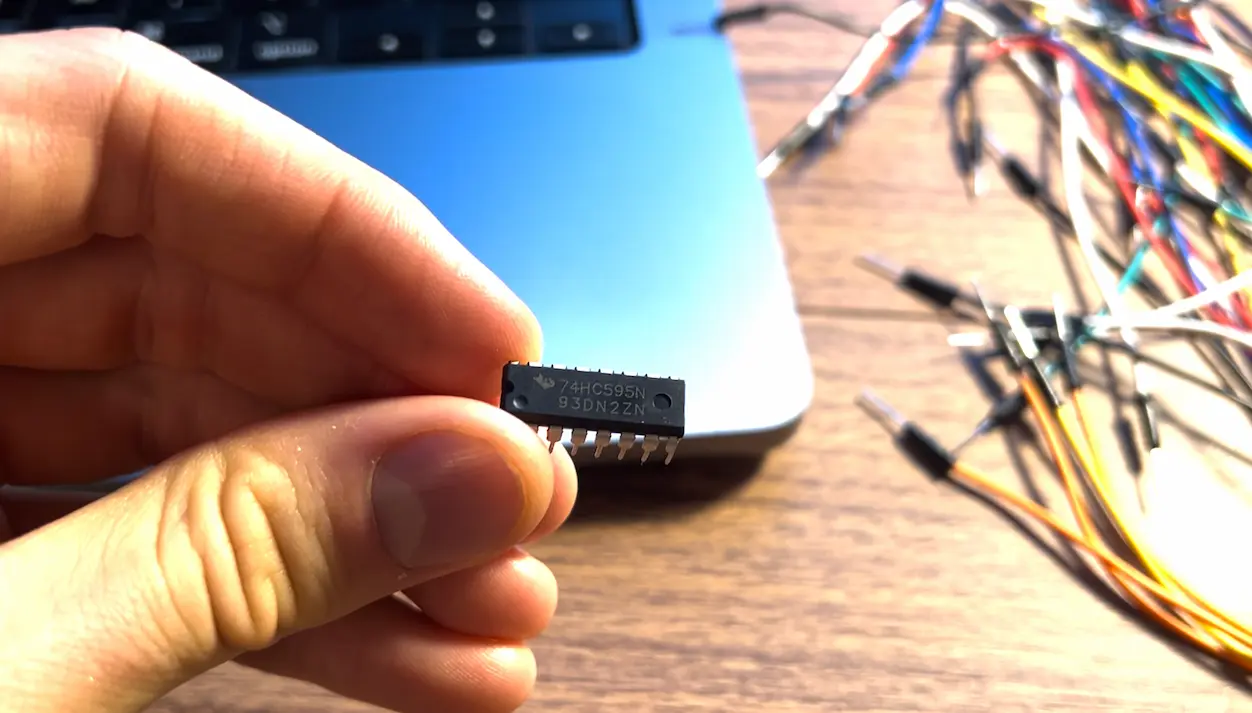
The solution was the 74HC595 8-bit Shift Register . This chip is actually OP. It allowed me to control 8 output lines using only 3 pins on the Arduino by sending data serially (one bit at a time).
The "Reset Pin" Incident
The display was a nightmare to debug. For hours, the numbers would glitch, display random garbage, or change when I shook the board. I checked every resistor, re-wired the breadboard, and tore apart my code.
The fix? I felt incredibly dumb...
I forgot to set the Reset Pin of the shift register to HIGH. It was constantly clearing the bits before showing them.
One wire fixed 4 hours of debugging.
Alright, now when you input numbers on the keypad, they show up on the display.
Finalizing Hardware
I also plugged in the ultrasonic sensor and the buzzer.
The ultrasonic sensor will come in handy to determine if you do a push-up since it can measure distance.
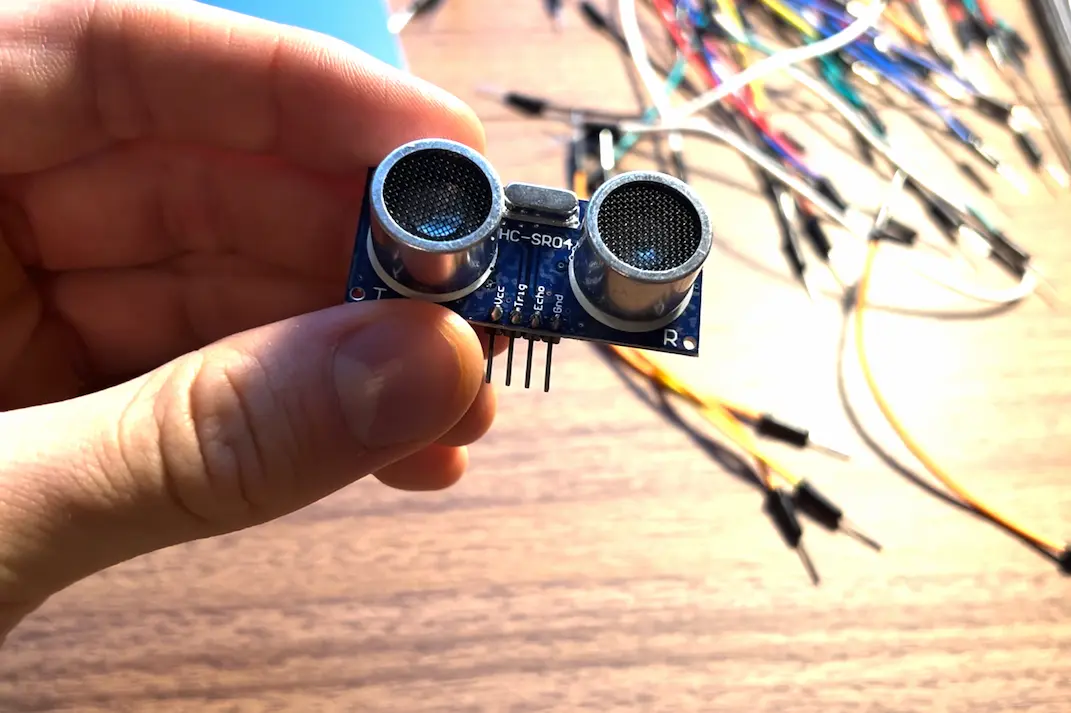
I'll place the ultrasonic sensor on the floor pointing upward and when the distance goes from close to far, it will count that as one push-up.
The buzzer was simple to wire up. But it is extremely annoying. Believe me... 💀
Here's a quick overview of the hardware:
- Brain: Arduino Uno
- Input: A 4x4 membrane keypad (using 3 columns) to set the time.
- Output: A 4-digit 7-segment display, with the help of a 8-bit Shift Register
- Sensor: HC-SR04 Ultrasonic Sensor.
- Audio: Active Buzzer.
Luckily, I had all these part at my desk, though good luck finding what you're looking for...
The State Machine
Ok, now that the hardware is ready, we still need to code the full alarm functionality.
The code isn't just a loop; it's a State Machine similar to what you'd see in game development for enemy AI.
There are 5 states:
- Idle Mode: Shows current time.
- Input Mode: User types in the alarm time via Keypad.
- Waiting Mode: Counts down to the target time.
- ALARM Mode: Buzzer goes crazy.
- Disarm Mode: The Ultrasonic sensor tracks distance. It only counts a rep if you go down (
<10cm) and back up (>30cm).
Final Product
And there we go! The push-up alarm clock is now complete.
Finally, I unplugged it from my computer and put a battery in the arduino so the push-up alarm clock can be moved around.
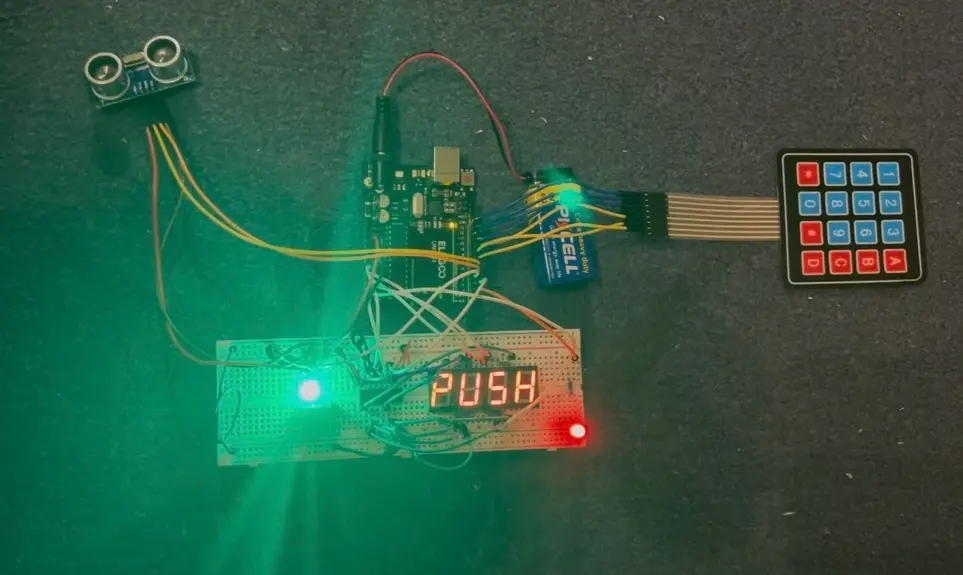
And here's a little demo of the project:
Reflections & Future Improvements
The project works, but it has flaws.
- Ultrasonic Limitations: Sound waves are unreliable for push-ups. Baggy clothing confuses the sensor, and if you aren't perfectly aligned, it misses reps. A Computer Vision approach with a camera would be better.
- The "Cheat" Factor: Right now, it's a barebones circuit. To turn it off, you can just rip the battery out. The Fix: A locked enclosure with no off button. The only way to stop the noise is to do the work. Diabolical. 😈
Overall this was a fun project. I learned a lot about Platform.io, about 8-bit shift registers, the 4-digit display, using an Arduino with the 4x4 keyboard, and coding up state machines. It's actually quite similar to video game state machines for characters or enemies.
Thanks for reading.
Stay healthy and do your push-ups. 💪💪