Recap: My Home-Made Loom
When I apply to jobs, I like to send a short video intro with my application. It's way more personal than a cover letter.
For that, I used Loom. But Loom's free plan caps you at 25 videos, in low quality. And paying another $20 a month for a screen recorder? Nah.
So I built my own. Meet Recap :)
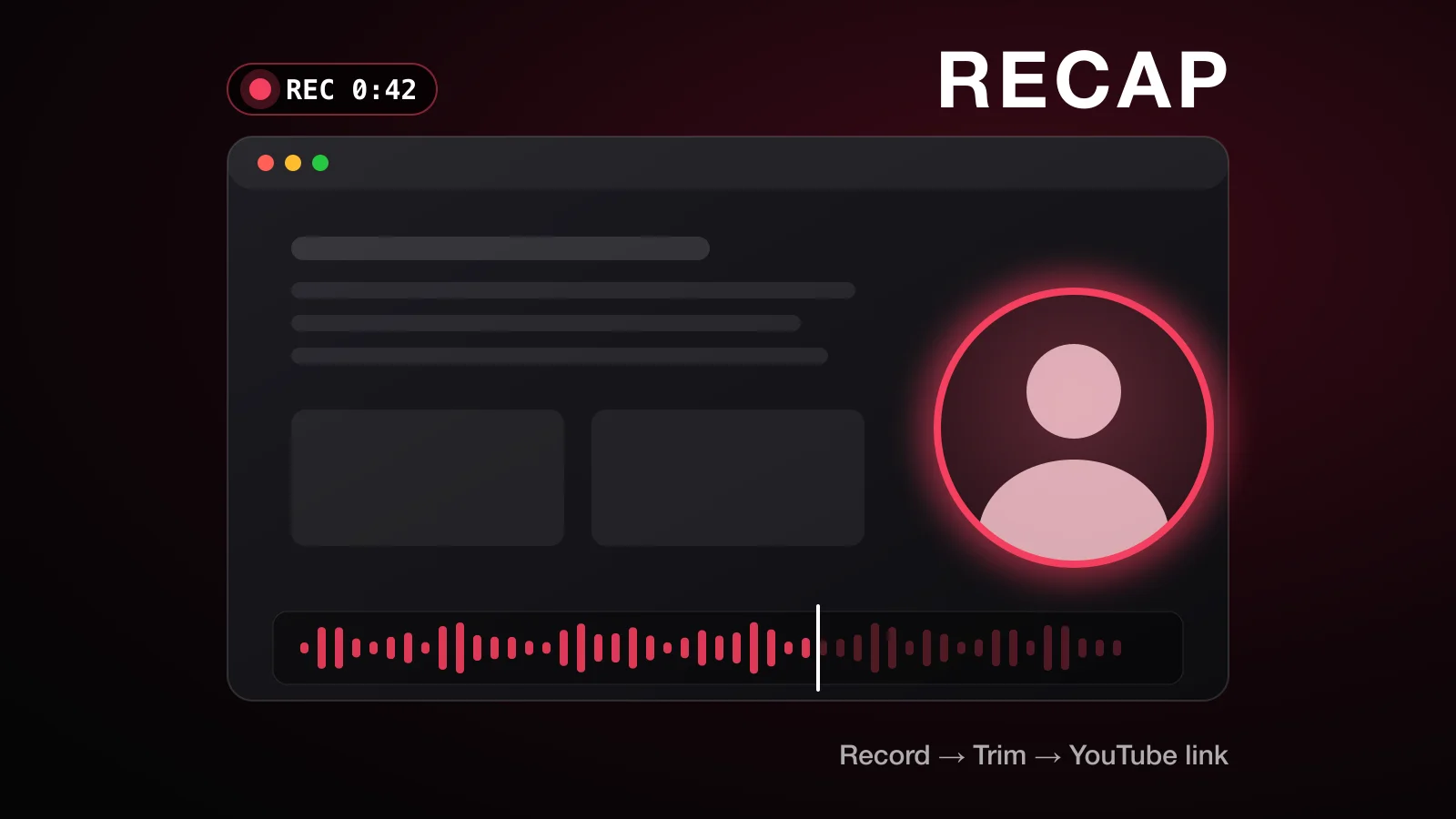
It's a native macOS menu bar app for recording your screen and your face. You trim the video, give it a title, and get a shareable YouTube link in about 10 seconds. YouTube has unlimited storage and full quality, so there's no video cap, no watermark and no subscription.
🎛️ 1. Set Up
Click the menu bar icon or press ⌥⇧R from anywhere. Then pick what to record:
- The full screen, one window, a region you drag out, or the camera only.
- Which camera, microphone and screen to use. A live level meter checks your mic and warns you if it hears nothing.
- Optionally, your computer's audio too.
The Teleprompter
My favourite feature. It's a notes box for your pitch that you drag right under the webcam. You read it while looking at the camera, and it never shows up in the video. No more looking like you're reading off to the side lol.
🔴 2. Record
A 3-2-1 countdown starts it (click to skip it, or press Esc to cancel).
- Camera bubble: a circle or rounded square you can drag anywhere. Resize it by dragging its edge, or hover over it for S/M/L presets. It remembers where you left it.
- Camera modes: switch mid-recording between the bubble, almost full screen (95%, rounded corners) and full screen.
- Extras: an optional glowing ring around the bubble, background blur, and turning the camera off for screen-only parts.
- Control bar: a floating bar with a timer, pause, finish, retake, discard, draw, teleprompter and camera toggles. The bar itself is never recorded.
- Retake: restarts straight away, and the old take goes to Recently deleted.
- Demo tools: draw on screen with strokes that fade out, plus cursor highlighting and click ripples.
Notifications and desktop icons are hidden from the video. And if your mic goes silent, a warning pops up that only you can see.
It's also crash-safe. The video is saved in 2-second pieces, so a crash loses a couple of seconds at most.
✂️ 3. Edit
The editor opens by itself when you finish, with the title field ready to type into.
- Timeline: a filmstrip and an audio waveform. Trim the start and end, or select a section in the middle and cut it out. Undo and redo work.
- Shortcuts for everything: Space, J/K/L, I/O, X, [ ], T, ⌘Z, ⌘↩.
- Thumbnail: pick any frame, and optionally add text on it.
- Private fields: company, role, contact, tags and notes for each video. Together, they turn Recap into a little job-application tracker.
Smart Cleanup
Transcription flags long silences and every "um" and "uh". If you turn it on, Claude also flags retakes and filler words, and suggests a title.
Nothing is ever cut automatically. You click to remove each one, or all of them at once.
🚀 4. Upload and Share
One click on Upload. Exporting, uploading, the thumbnail and playlists all run in the background, and the upload picks up again if the Wi-Fi drops.
Videos are Unlisted by default, and go into a Recap playlist plus any playlists you choose.
When it's done, a pop-up gives you one-click buttons for:
- Copy link
- Copy email preview (a clickable thumbnail card for Gmail)
- Copy GIF
📚 5. The Library
A searchable grid of every recording, with its thumbnail, title, YouTube view count, date, tags and upload status.
🛠️ The Tech
All Swift and SwiftUI, using Apple's own frameworks:
- ScreenCaptureKit for screen capture
- AVFoundation for video and audio
- Vision for the background blur
- Speech for transcription
- YouTube Data API v3 for uploads, thumbnails and playlists
- Claude API for the optional smart cleanup
No third-party libraries. It needs macOS 14 or later.
🔒 Privacy
Your recordings stay on your Mac. A video only goes to YouTube when you press Upload. There's no Recap server, no analytics and no tracking, and AI is off by default.
All the details are in the Recap privacy policy.
🔜 Coming Soon
Recap is a personal project, and it isn't available to download yet. Stay tuned!